 Prestashop Themes and Module Blog PrestaShop News, Tutorials & Marketing Tips


Describe it. Your builder builds it.
Write copy, translate fields, generate images, and optimize SEO anywhere in your back office — and in any builder, describe a header, a homepage, or a footer and watch it build itself.
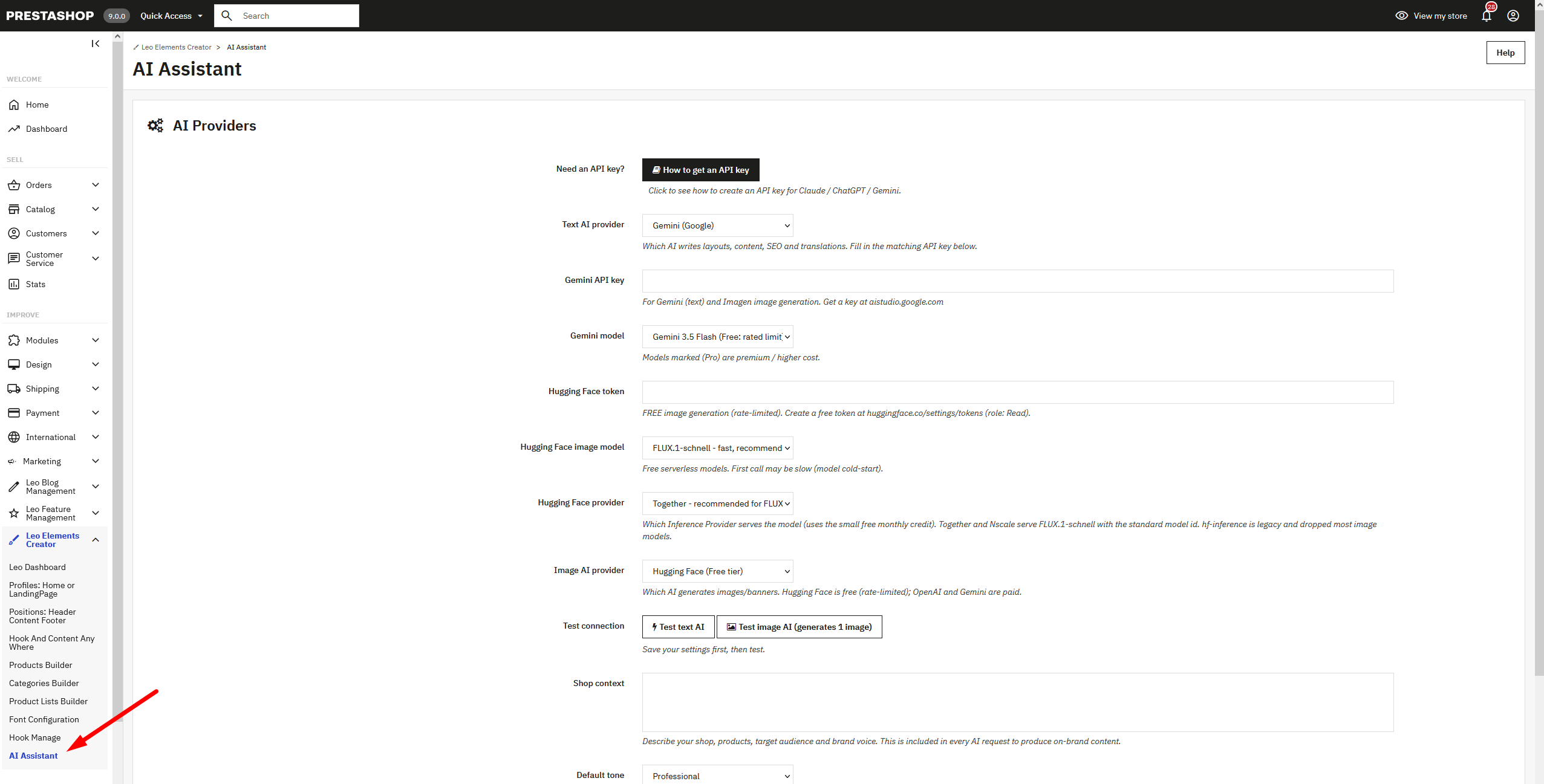
Your builders now ship with a built-in AI Assistant — and it works the same way everywhere.
Content tools live on any admin form: write, translate, generate images, and fill in SEO. Layout tools live in every builder: describe what you want and the AI drafts the whole layout. There’s nothing to learn per builder — the same buttons, the same options, the same results, whichever builder module you’re working in.
Everything the AI produces is editable. Content drops straight into the field you’re working on; generated layouts are saved through the builder’s own save flow, so the result is identical to something you built by hand. Nothing is written to your database behind your back.
Six tools, everywhere you work
Content tools follow you across the admin. Layout tools are in every builder canvas.
Copy for any field
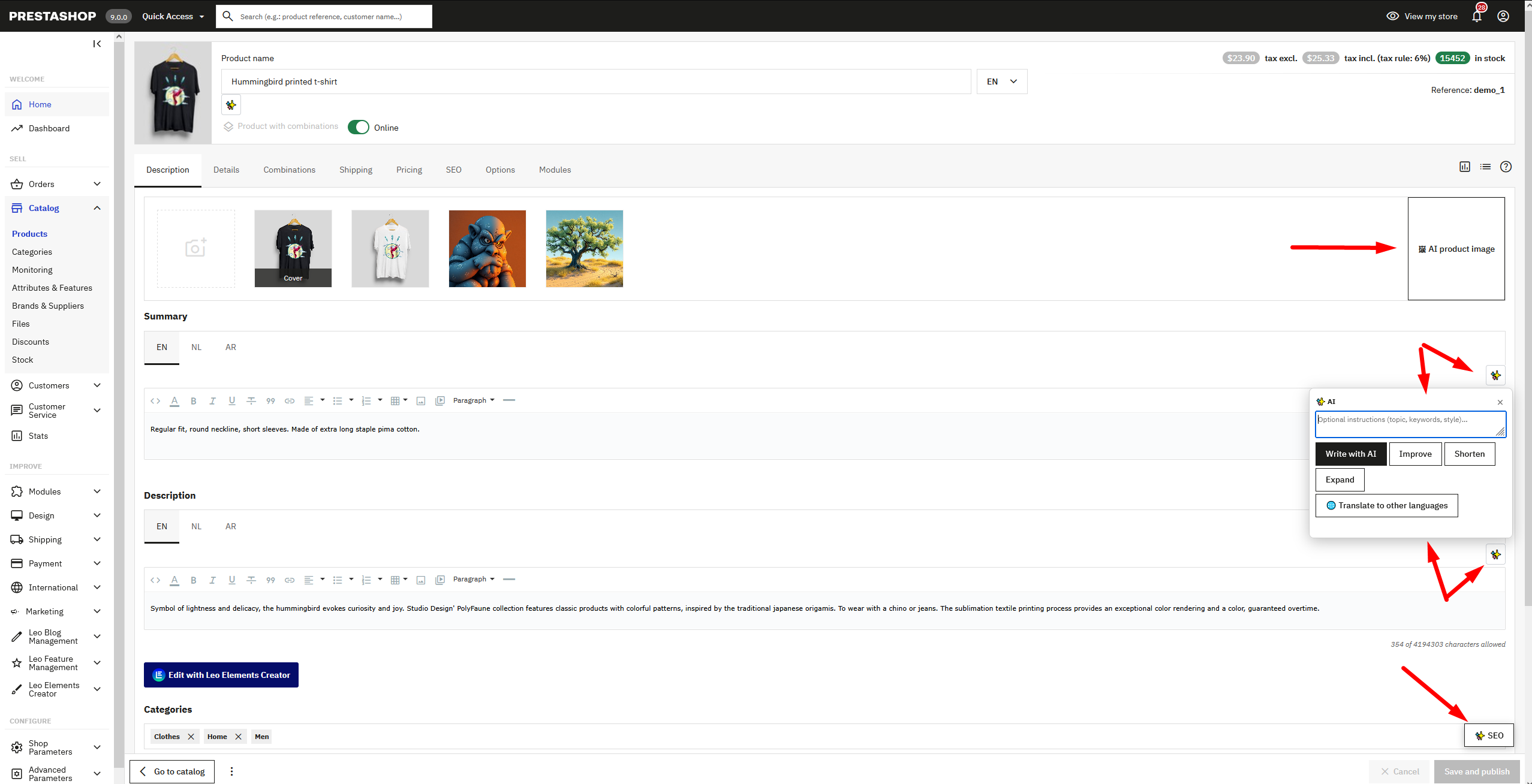
Generate, improve, shorten, or expand text in any input, text area, or rich-text editor.
Every language
Write a field once and fill in the same field for all your shop languages in one pass.
Banners & photos
Generate images from a prompt and attach them to banners, products, or categories — free option included.
Meta in one click
Fill meta title, description, friendly URL, and keywords on product, category, CMS, blog, and profile pages.
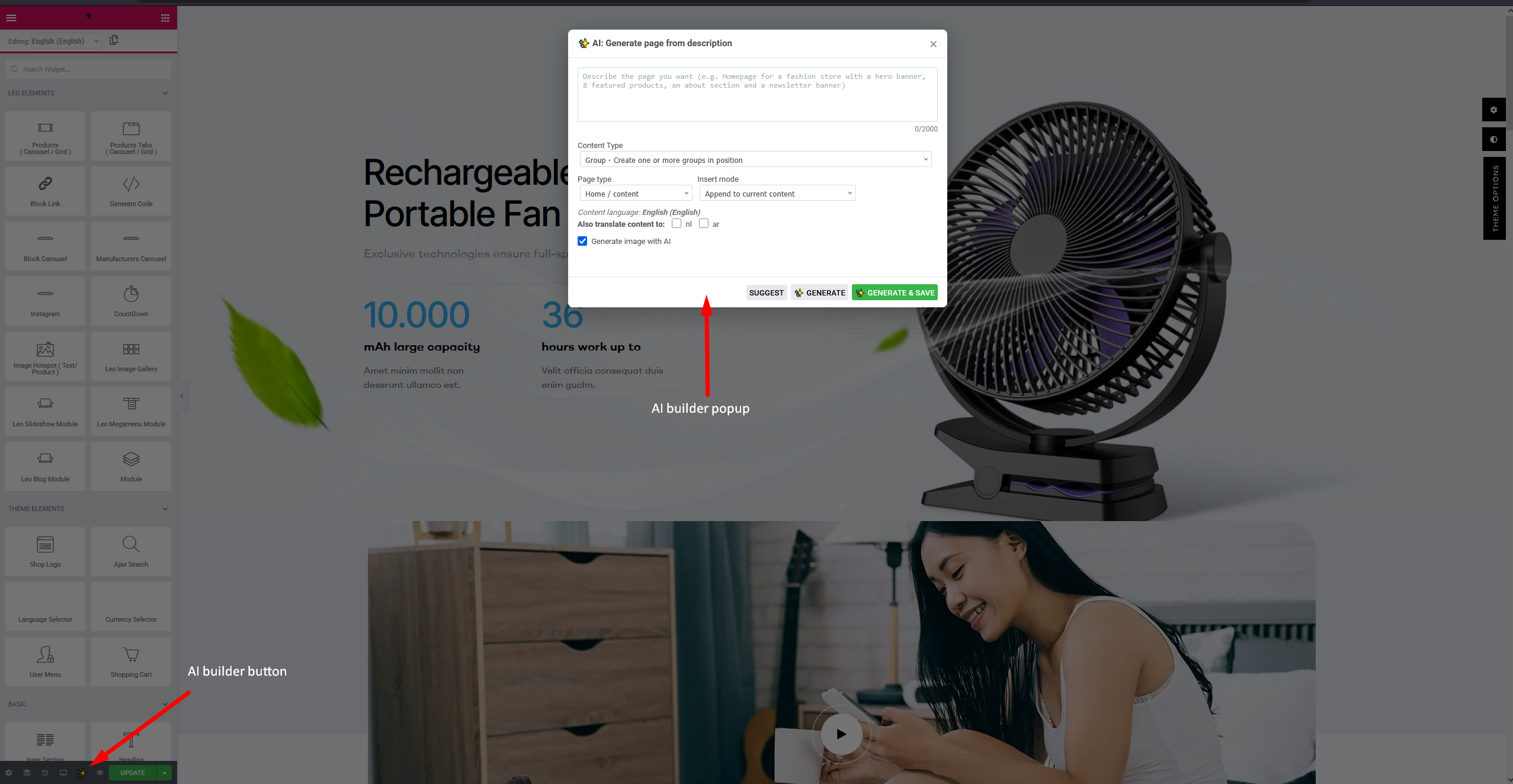
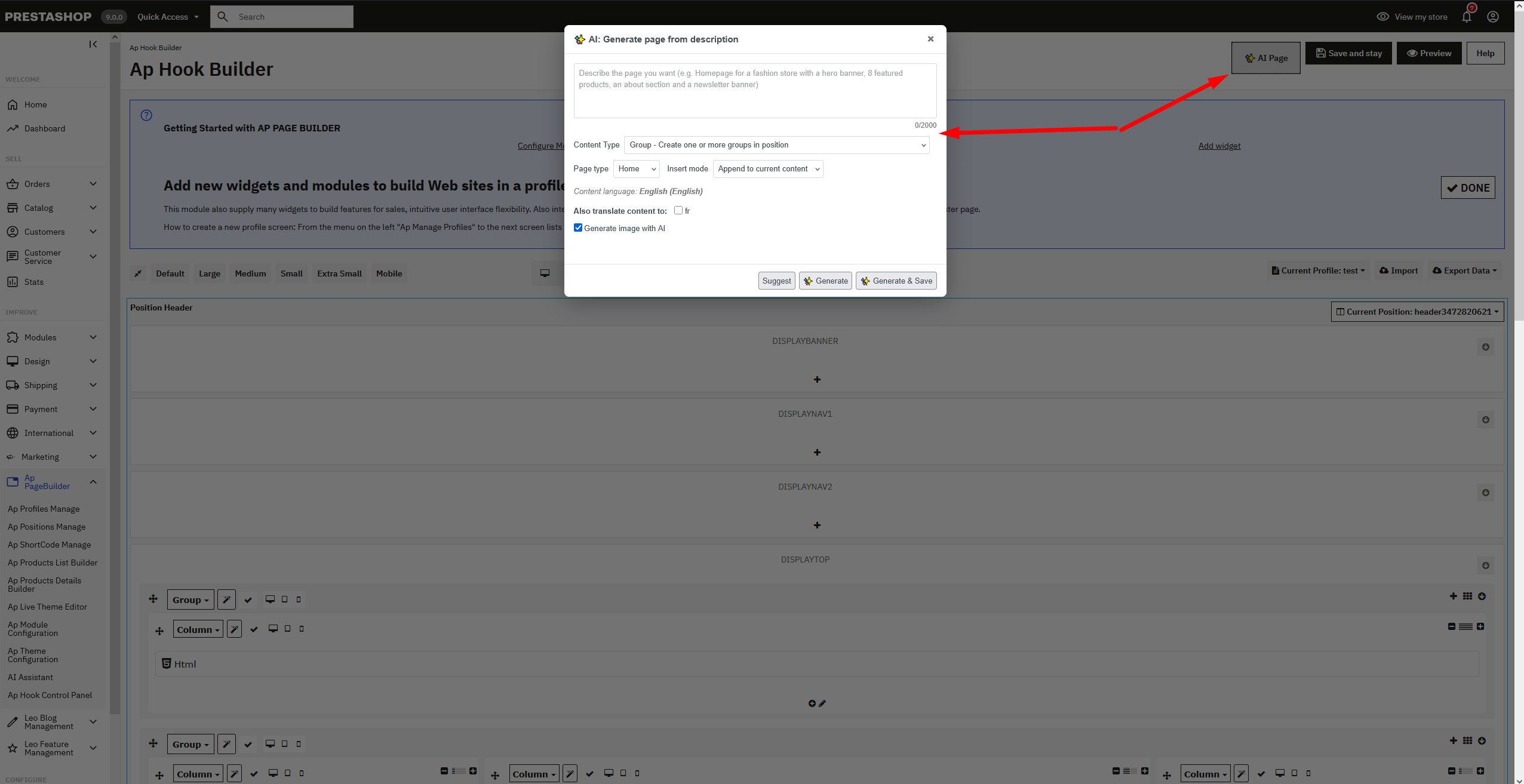
Header, home, footer & more
Generate a complete layout from one description — header, homepage, and footer built separately. Preview it on the canvas first, or generate and save in one go.
Product pages
Lay out a product page — gallery, buy box, tabbed details, specs — on the product detail builder.